LG dryers are popular in Toronto homes, and they are generally reliable — but when an error code appears on the display, it can be difficult to know what to do. The good news is that most LG dryer error codes point to specific, diagnosable problems, and many of them can be resolved without a service call.
This guide covers every common LG dryer error code, explains what it means, and tells you how to fix it.
Quick Answer: The most common LG dryer error codes are dE (door error — check the door latch), tE (thermistor error — check the wiring to the temperature sensor), HE (heating error — test the heating element), and PF (power failure — restart the cycle). For most error codes, try unplugging the dryer for 5 minutes and restarting before calling for service.
LG Dryer Error Codes Reference
dE — Door Error
Meaning: The dryer door is not fully closed or the door switch is not detecting the closed door.
How to fix: Open and close the door firmly. Check that nothing is caught in the door seal — clothing, lint, or a misaligned lint filter can prevent the door from closing properly. Inspect the door latch for damage or wear. If the door closes and latches but the code persists, the door switch may need replacement.
dE1 — Door Open Error
Meaning: Same as dE but specifically indicates the door was opened during the cycle.
How to fix: Close the door and press Start. If the dryer will not restart, unplug it for 5 minutes, then plug it back in and try again.
tE1 / tE2 / tE3 — Thermistor Error
Meaning: The temperature sensor (thermistor) is reporting an abnormal reading or has failed. tE1 indicates an open circuit, tE2 indicates a short circuit, and tE3 indicates an out-of-range reading.
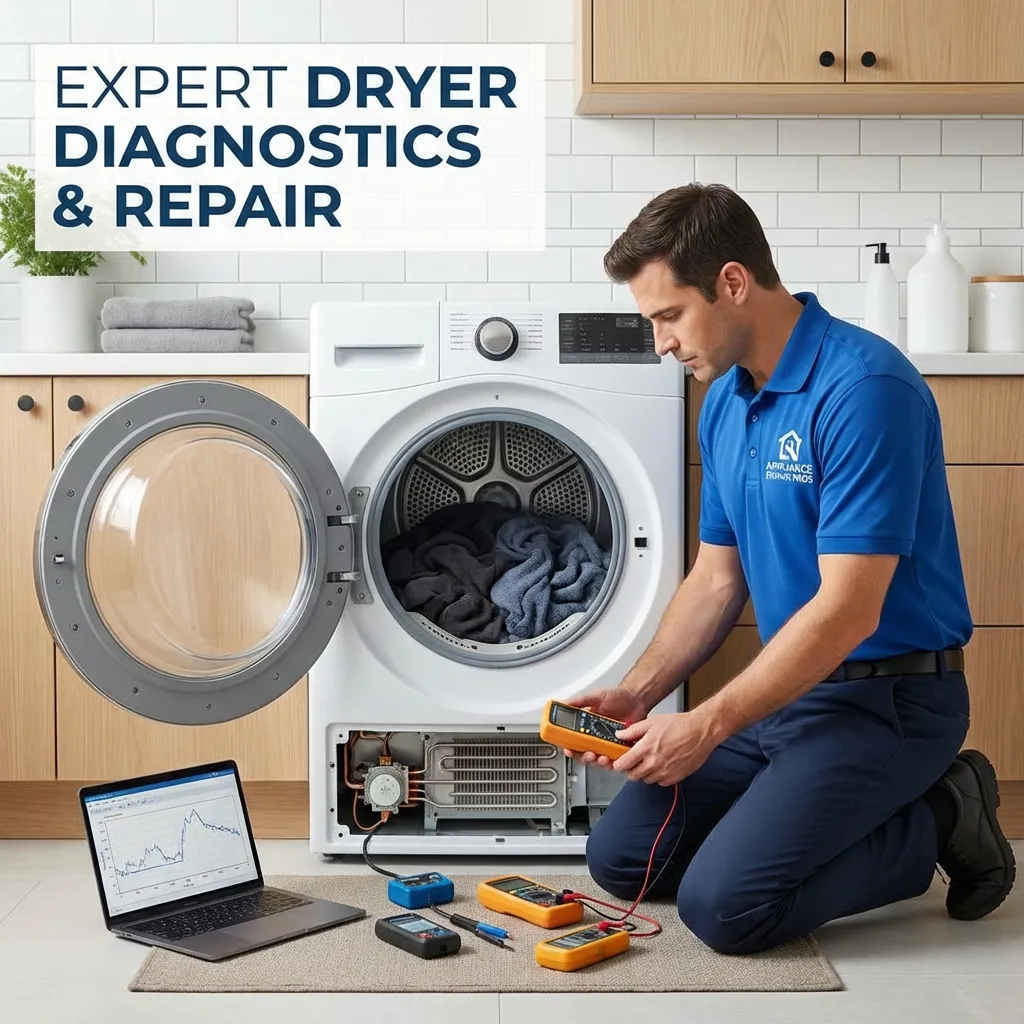
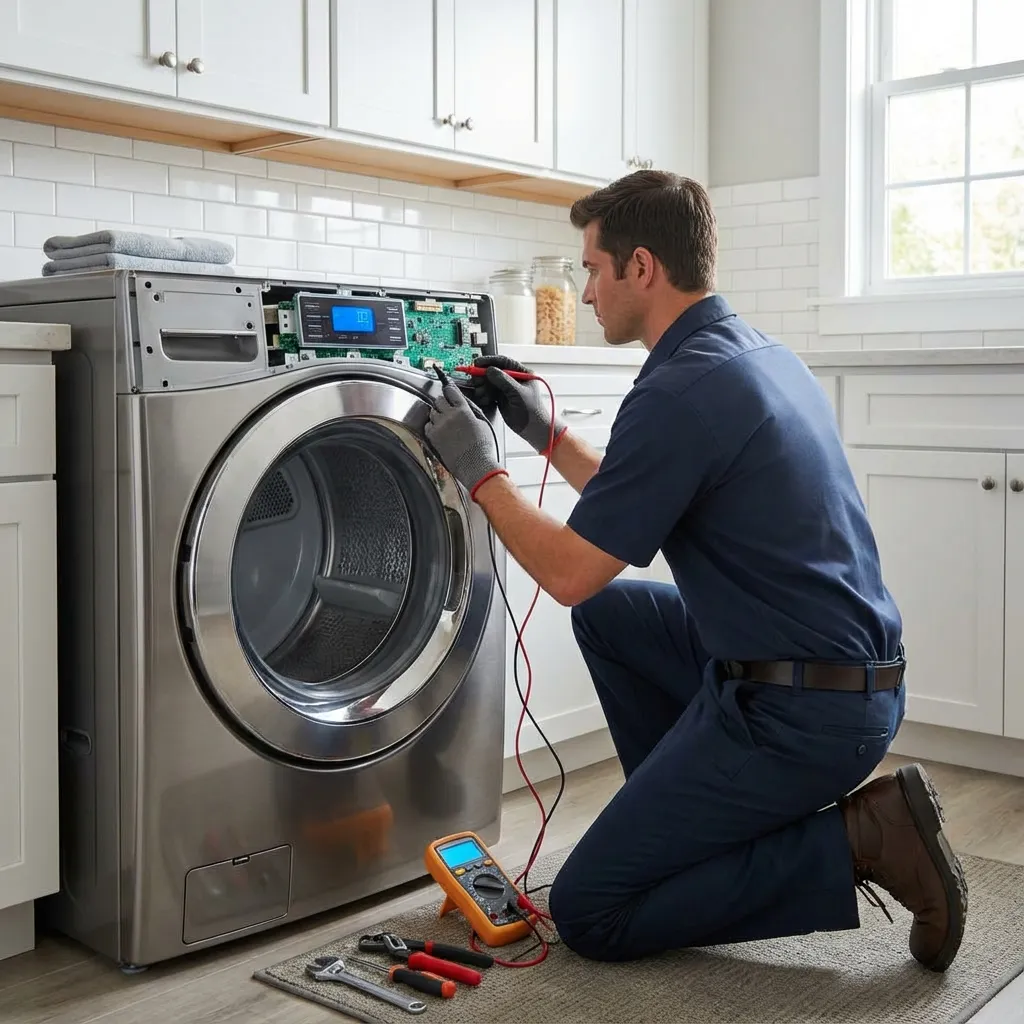
How to fix: Unplug the dryer and remove the back panel. Locate the thermistor on the blower housing — it is a small white or black plug with two wires. Test the thermistor with a multimeter: at room temperature (77 degrees Fahrenheit), it should read approximately 10,000 ohms. If the reading is significantly different or shows no continuity, the thermistor needs replacement. Also check the wiring between the thermistor and the control board for damage or loose connections.
HE1 / HE2 / HE3 — Heating Error
Meaning: HE1 means the heater relay is stuck on. HE2 means the heater is not turning on. HE3 indicates a problem with the heater circuit.
How to fix: Unplug the dryer and access the heating element. Test the element for continuity with a multimeter. If there is no continuity, the element has failed and needs replacement. If the element tests good, check the thermostats and the wiring between the element, thermostats, and control board. A stuck relay on the control board is a less common but possible cause.
PF — Power Failure
Meaning: The dryer experienced a power interruption during the cycle.
How to fix: This code is informational — it tells you the cycle was interrupted. Press Start to resume the cycle, or select a new cycle and start over. If PF appears frequently, check that the dryer is plugged into a dedicated 240-volt circuit and that the breaker is not tripping.
LE — Locked Motor Error
Meaning: The dryer motor is locked or cannot turn. This can be caused by a seized motor, an overloaded drum, or a foreign object jamming the drum.
How to fix: Check inside the drum for items that may have fallen between the drum and the interior wall — socks and small items commonly get stuck there. Try turning the drum by hand; it should rotate freely. If it is stiff or making a grinding noise, the motor or drum bearings may have failed. If the drum turns freely, the motor may have a electrical fault that requires professional diagnosis.
OE — Drain Error (LG Washer-Dryer Combo Units)
Meaning: The dryer cannot drain water. This code only applies to LG washer-dryer combo units, not standalone dryers.
How to fix: Check the drain hose for kinks or clogs. Clean the drain pump filter, which is located behind the small access panel at the front base of the machine. If the hose and filter are clear, the drain pump may need replacement.
FE — Overfill Error (LG Washer-Dryer Combo Units)
Meaning: The water level is too high. This code only applies to combo units.
How to fix: Check the water inlet valve for a stuck-open condition. Unplug the unit and see if water continues to flow — if it does, the valve needs replacement.
PS — Phase Switch Error
Meaning: The phase switch on the motor is not functioning properly.
How to fix: Unplug the dryer and check the wiring between the motor and the control board. If the wiring is intact, the motor or the control board may need replacement. This error typically requires professional diagnosis.
CF — Check Filter
Meaning: This is not actually an error — it is a reminder to clean the lint filter before the next cycle.
How to fix: Remove and clean the lint filter. The CF code will clear after the next cycle starts.
Step-by-Step: LG Dryer Hard Reset
If your LG dryer is displaying an error code and you cannot clear it, or if the dryer is not responding to controls, a hard reset may resolve the issue.
- Unplug the dryer from the electrical outlet or turn off the breaker.
- Wait 5 minutes. This allows the control board to fully discharge and reset.
- Plug the dryer back in or turn the breaker on.
- Press the Power button. The display should light up normally.
- Select a cycle and press Start.
If the error code returns after the reset, it indicates a genuine component failure that needs diagnosis and repair.
When to Call a Professional
Most dE, PF, and CF codes can be resolved at home. However, the following situations warrant a professional service call:
- tE error codes that return after checking wiring — the thermistor or control board needs professional diagnosis
- HE error codes with a good heating element — the control board relay may need replacement
- LE motor errors where the drum turns freely — the motor or control board has an electrical fault
- Any error code that returns after a hard reset and basic troubleshooting
Appliance Service Plus technicians are experienced with LG dryer error codes and carry common replacement parts. If you are in Toronto, Mississauga, Richmond Hill, or the GTA, schedule a service call for prompt diagnosis and repair.
Frequently Asked Questions
How do I clear an LG dryer error code?
Try a hard reset first — unplug the dryer for 5 minutes, then plug it back in and restart the cycle. If the error code is caused by a temporary glitch, the reset will clear it. If the code returns, it indicates a genuine component failure.
What does it mean when my LG dryer displays tE?
The tE code means the temperature sensor (thermistor) is reporting an abnormal reading. This can be caused by a failed thermistor, damaged wiring between the thermistor and the control board, or a faulty control board. Test the thermistor with a multimeter — at room temperature, it should read approximately 10,000 ohms. If it reads outside this range, replace it.
Why does my LG dryer keep showing dE?
A persistent dE code usually means the door switch is faulty or the door latch is damaged. Close the door firmly and listen for a click — if you do not hear one, the latch mechanism may need adjustment or replacement. If the door closes and latches properly but the code persists, the door switch itself needs replacement.
Is it safe to use my LG dryer with an error code?
It depends on the code. PF (power failure) and CF (check filter) are safe to clear and continue using. dE (door error) prevents the dryer from starting, so it is a safety feature. HE (heating error) and tE (thermistor error) indicate potential safety issues with the heating system — do not continue using the dryer until the problem is resolved. LE (motor error) means the dryer cannot run safely.
Need Professional Help?
If the problem persists or seems too complex to handle on your own, our expert technicians are ready to help. Fast, reliable service when you need it.